Digital business card
Alexsei Priakhin
JetBrains
- Emailaleksei.priakhin@jetbrains.com
- Cardcard.local-ai.labs.jb.gg
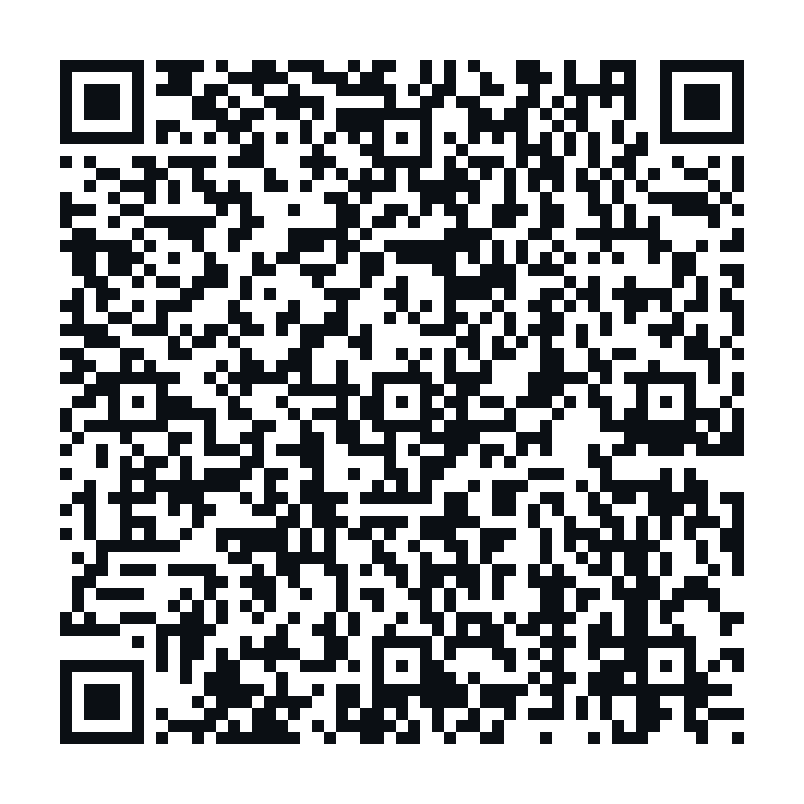
Scan to save contact
Wallet pass — not yet signed
This page ships the complete pass bundle, but iOS only installs a pass
signed with an Apple Pass Type ID certificate, which this deployment does not
have yet. The vCard above works today.
To enable the Wallet button:
- Create a Pass Type ID in your Apple Developer account, export the certificate as
.p12. - Sign the bundle:
python make_pass.py --p12 pass.p12 --password … --wwdr wwdr.cer - Publish the resulting
pass.pkpasswithdeploy.sh; the button activates automatically.
This panel hides itself once a signed pass is present.
Served internally from the local-ai namespace.